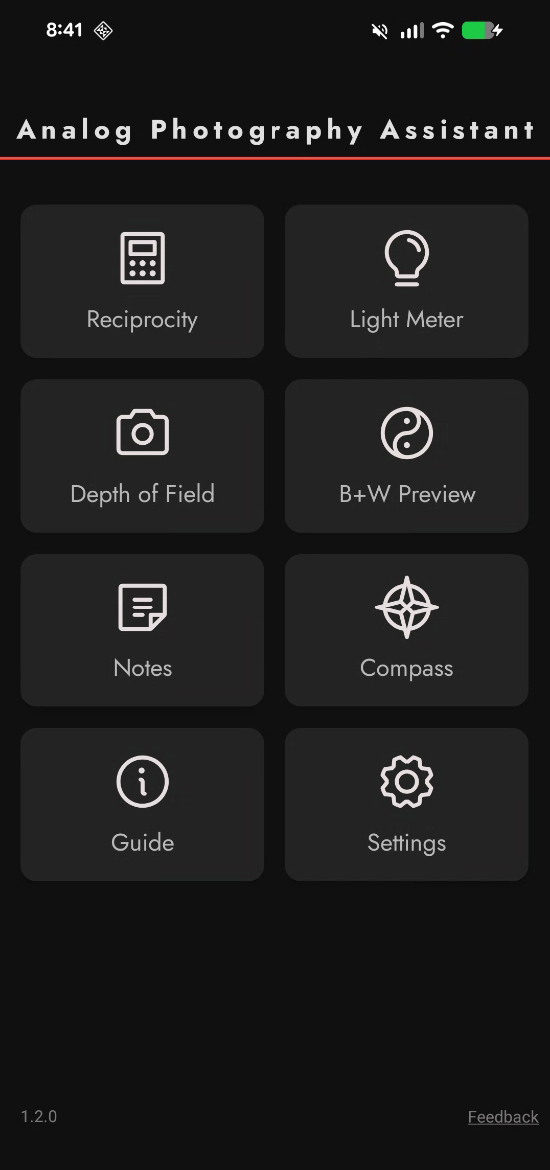
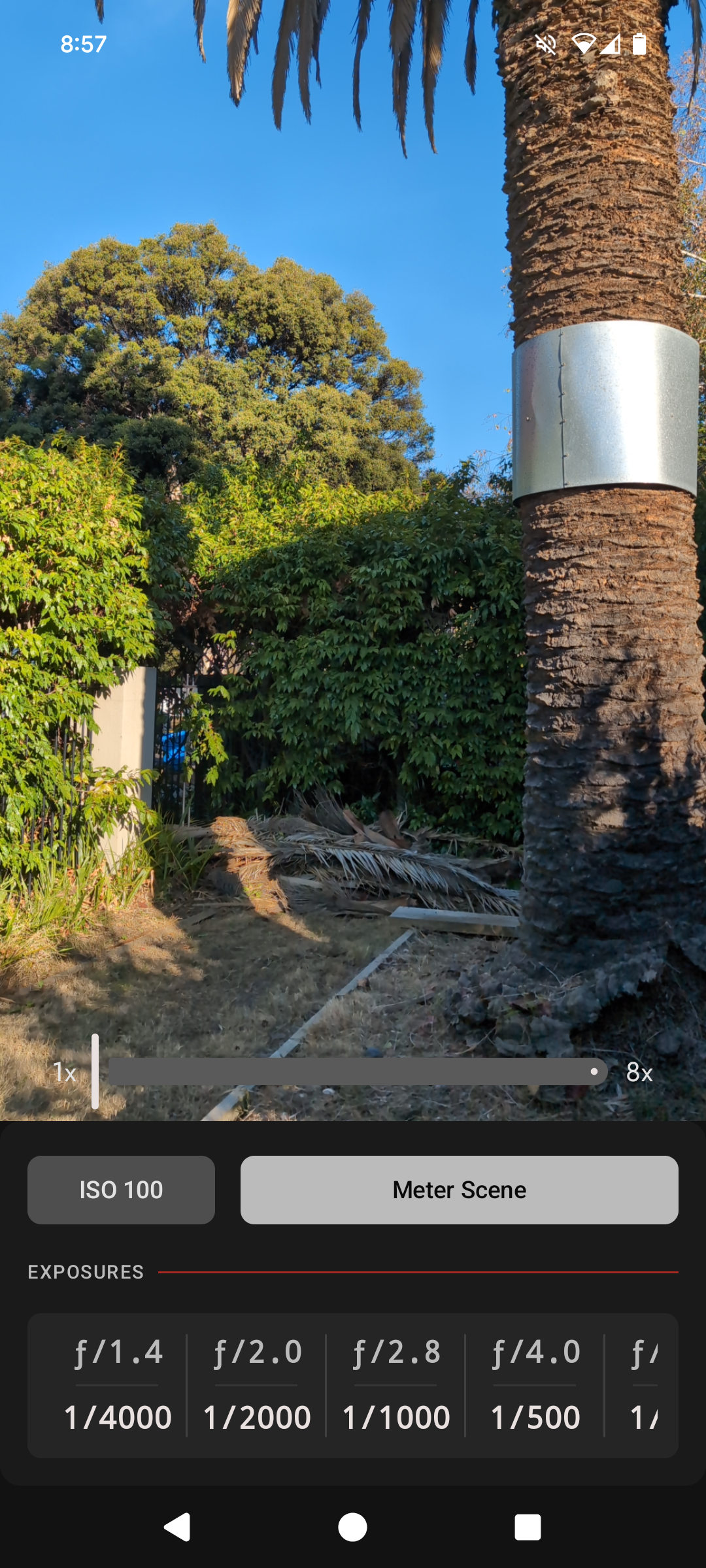
Analog Photography Assistant (APA) is a free, ad-free, privacy-first android app for film photographers. I have just released v1.2.0 which introduces a Depth of Field Calculator. With this you can calculate:
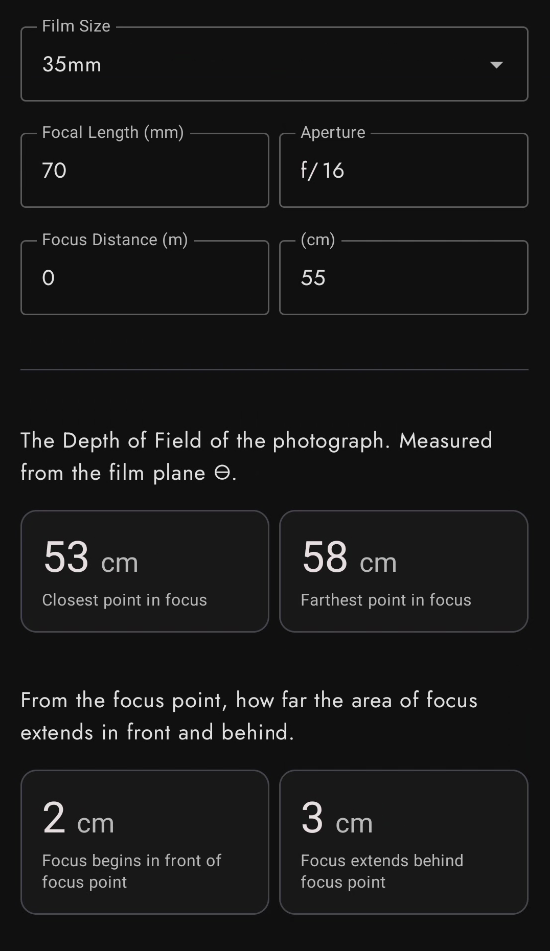
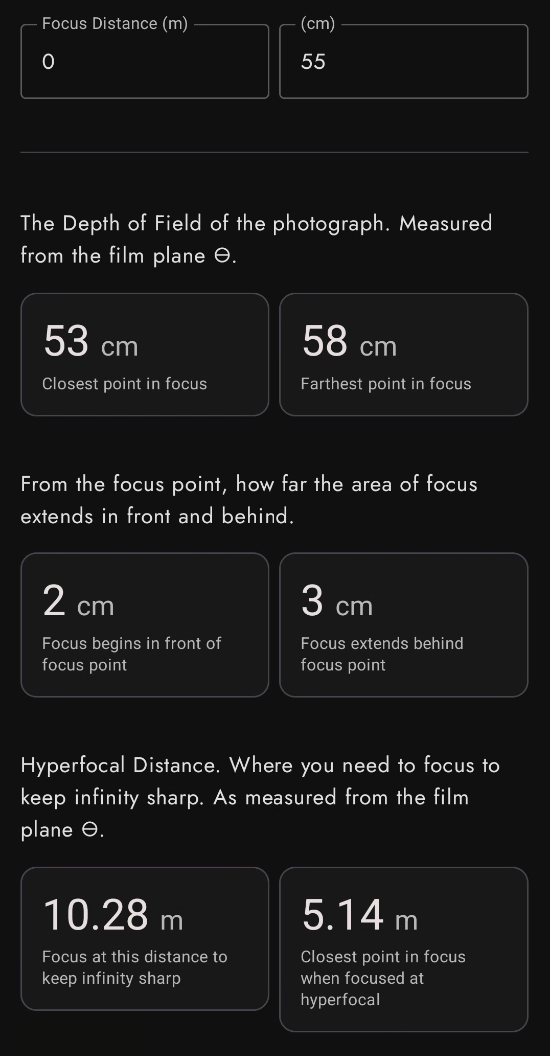
- DoF from the film plane — The nearest and farthest points that will be acceptably sharp, measured from the film plane.
- DoF from the subject — How far the zone of acceptable sharpness extends in front of and behind your focus point.
- Hyperfocal Distance — Focus at this distance to keep everything from half the hyperfocal distance to infinity acceptably sharp.
- Hyperfocal Near Limit — When focused at the hyperfocal distance, this is the closest point that will be acceptably sharp.
APA v1.2.0 also adds explicit support for Android 16. The minimum required version is still Android 9.
Download APA on the Play Store or read more on the app website.
–
A few weeks ago I was out shooting at f/1.4 and needed to understand the depth of field to get two subjects in focus. My 35mm camera has a split image focusing screen. Looking through the viewfinder, you see two images projected. You adjust the focus ring of the lens until the two images line up, and the lens is now focused at the focus point (labelled focus distance in the screenshots above). Lenses have a depth of field. Some areas in front of and behind the focus point are also in acceptable focus. Split image focusing screens are designed to achieve precise focus at the focus point, but would present all other areas of the image as “out of focus” as the two images would be unaligned.
Closest Point                    Farthest Point
   in focus            │            in focus
     │                 │               │
     ▼                 ▼               ▼
─────┊─────────────────●───────────────┊────
                     FOCUS
                     POINT
Another use case is for landscape photography, or in situations where you want whatever is on the horizon to be in sharp focus. Intuitively you might turn the focus ring on the lens all the way to infinity. The split image focusing screen should confirm this with the far horizon being in sharp focus, and whatever is between you and the horizon looking slightly out of focus. This will give you the result you want however it leaves a large part of the DoF unused. Refer to the diagram above. If the focus point is at Infinity, then there is no “Farthest Point in focus” beyond it.
To maximise the amount of the image in focus, you want the “Farthest Point in focus” to be at Infinity. This means focusing the lens to a far away point before infinity. How do you know where to focus? Use the calculator to find the Hyperfocal distance and focus at that.